Openers
Garage Door Remote or Keypad Not Working
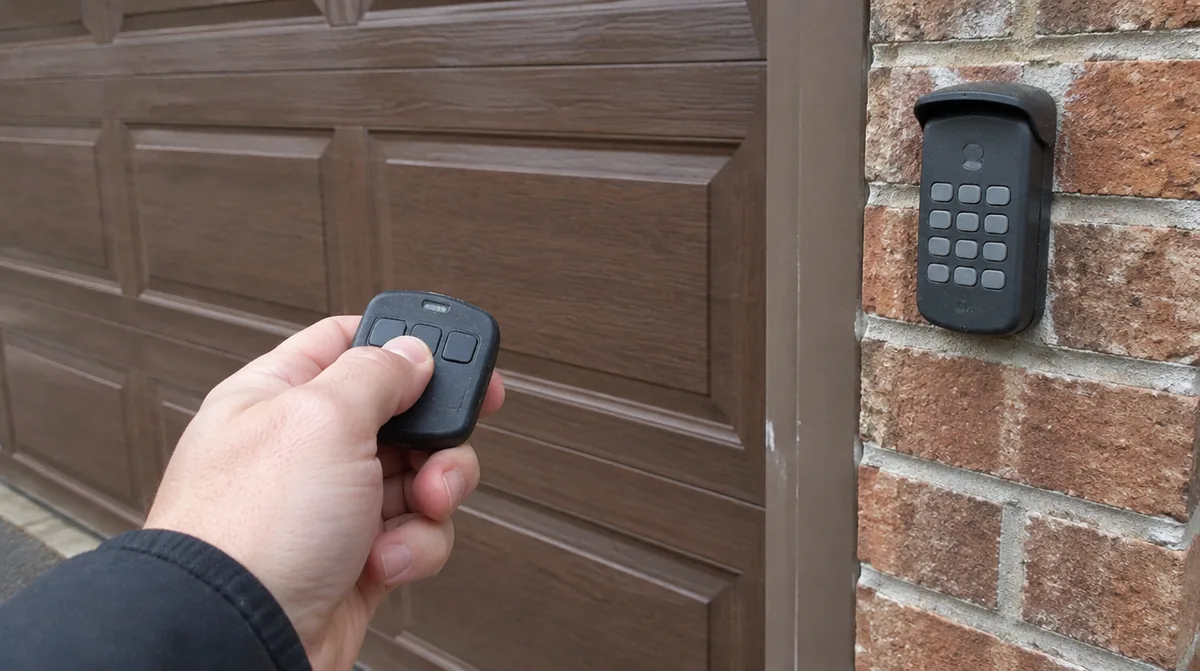
A garage door remote not working is one of the most common calls a technician gets, and it is also one of the most fixable. Before you assume the opener has died, run through a short list. Most of the time the cause is a battery, a setting or a signal problem. You will know within ten minutes whether you need help.
Step One: Try the Wall Button
Go into the garage and press the wall control. This single test splits the problem in half.
- If the door works from the wall button, the opener and door are fine. The problem is with the remote or keypad.
- If the door does not work from the wall button either, the issue is power, the opener itself or the door. Skip to the last section.
If Only the Remote Fails
Replace the battery
Remote batteries fade gradually. You may notice you have to get closer to the house before the door responds. Swap in a fresh battery of the right type, which is usually printed inside the case.
Check lock or vacation mode
Many wall controls have a lock button that blocks all remote signals. It is easy to press by accident. Look for a lock symbol or a small light on the wall control and turn the feature off as your opener manual describes.
Reprogram the remote
Remotes sometimes lose their pairing, especially after a power cut. Most openers have a learn button on the motor unit, often under the light cover. Press it, then press the remote button within the time the manual gives. The opener light usually blinks to confirm.
Look at the antenna and range
The short wire hanging from the motor unit is the antenna. Make sure it hangs straight down and is not wrapped around anything metal. New LED bulbs in the opener or nearby lights can interfere with the radio signal on some models. If range dropped after a bulb change, try a bulb labelled as opener friendly.
If the Keypad Fails
Outdoor keypads take a beating from weather. Check these in order:
- Battery. Most wireless keypads use a small battery behind the cover.
- Code. If someone changed the code, the old one will not work. Resetting usually requires the learn button on the opener.
- Moisture. Water behind the cover can cause sticky or dead buttons. Dry it and check the seal.
- Worn buttons. Keypads used daily for years may have keys that no longer register.
Older openers and newer remotes
Openers made over different years use different radio systems. A replacement remote has to match the system your opener uses, which is usually shown by the colour of the learn button or listed in the manual. A remote bought for the wrong system will never pair, however many times you press the learn button. If you are buying a spare, take the model number from the label on the motor unit with you.
If Nothing Works
If neither the wall button nor the remote moves the door, check power first. Is the opener light working? Try plugging a lamp into the same outlet. Check the breaker and any GFCI outlet in the garage, which can trip after damp weather. If the opener has power but stays silent, the logic board, the wall control wiring or the safety sensor circuit may be at fault. A door that is locked, frozen or held by a broken spring will also refuse to move. Our article on an opener that hums but will not move the door covers that situation.
Getting It Fixed
If you have worked through the list and still have trouble, a technician can test the receiver, the wall control circuit and the board. The garage door opener repair page explains that service, and neighbours in Lyndhurst have their own local page.
Call (973) 400-5103 or use Get Estimate to schedule a visit.